

Run guided setup
Chumbo inspects your project, asks who may connect, and previews every file before it writes anything.
npx chumbo setup
Connect your Supabase app to agents with one guided setup. Chumbo handles the MCP layer. You choose what agents can do.

Your first working tool
Chumbo keeps the path small. Run setup, add the useful action your product needs, then deploy one Edge Function.
Chumbo inspects your project, asks who may connect, and previews every file before it writes anything.
npx chumbo setup
Add the actions your product needs in the generated
capabilities.ts. Start with one useful thing.
Deploy the generated function, connect your MCP client, and use Chumbo's doctor command to check the result.
What changes
Your app remains the source of truth. Chumbo adds the connection agents need without replacing the product behind it.
 Your appexisting product
 Your rulesAuth + RLS
 One functionChumbo runtime
 Agent-readyuseful, scoped tools
Your app stays in charge
Your existing sign-in and data rules decide who can connect and what they may reach. Chumbo carries those rules into agent requests instead of creating a second user system.
list_projects()her rows only
list_projects()his rows only

Go deeper when you need to
The first path stays small. When your product needs more, the same Chumbo server can add user sign-in, tighter capability boundaries, richer MCP surfaces, and advanced patterns.

OAuth can carry their existing Supabase identity and rules.
Scopes can shape what each connection discovers.
The official MCP surface remains available as you grow.
The default path stays stateless and small.
Open source · MIT licensed
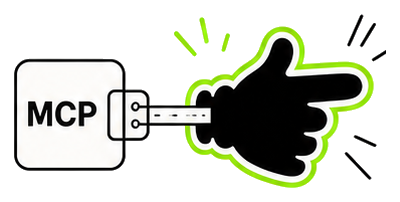
One guided setup puts the connection in place. What those hands can do is yours to design.